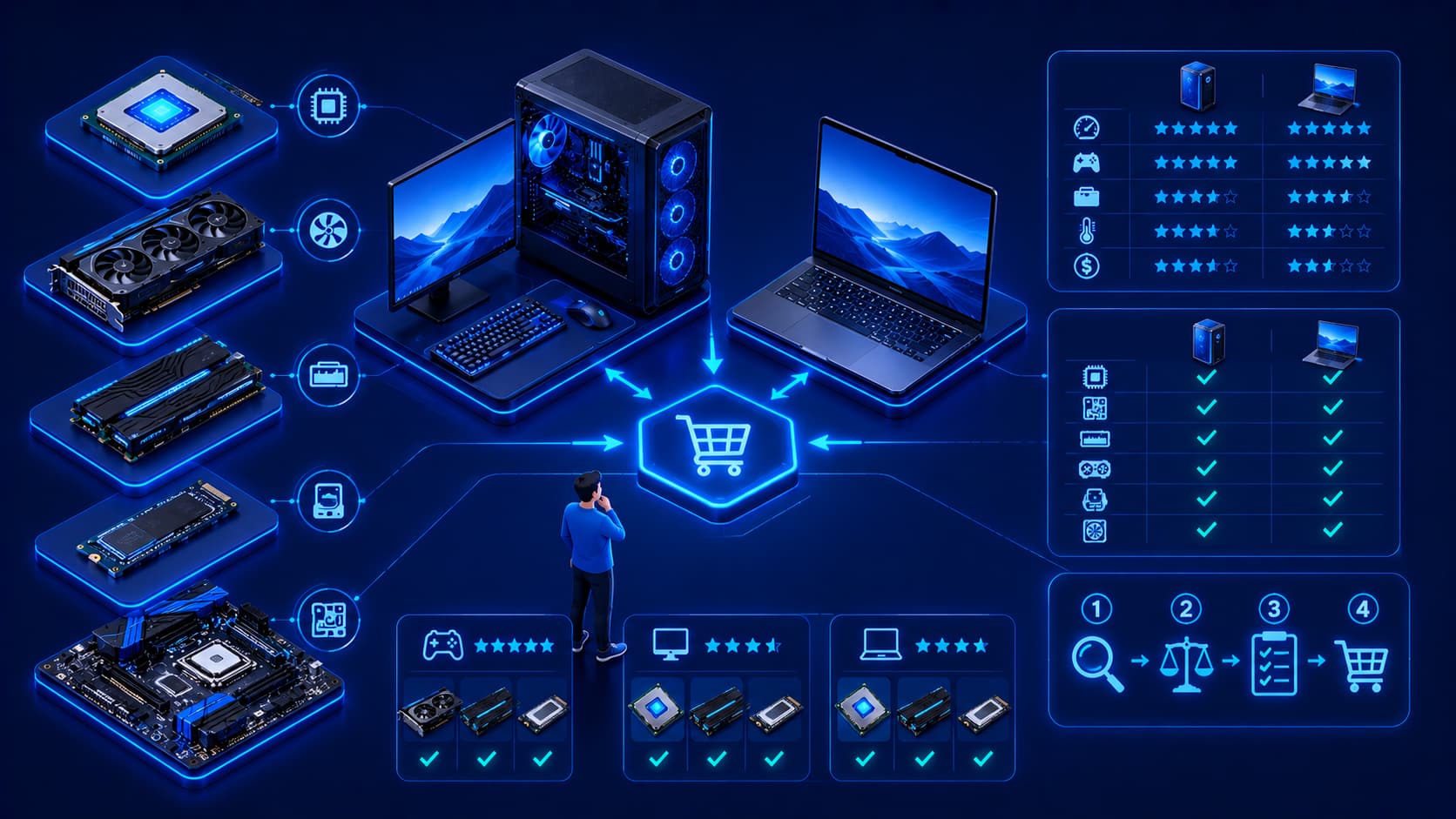
Choosing computer hardware has never been easier—or more confusing.
Whether you're buying a new computer, upgrading an existing system, or building a custom PC, you'll find countless hardware options with different specifications, features, and price points.
Processors offer different performance levels.
Memory comes in various capacities.
Storage devices vary in speed and size.
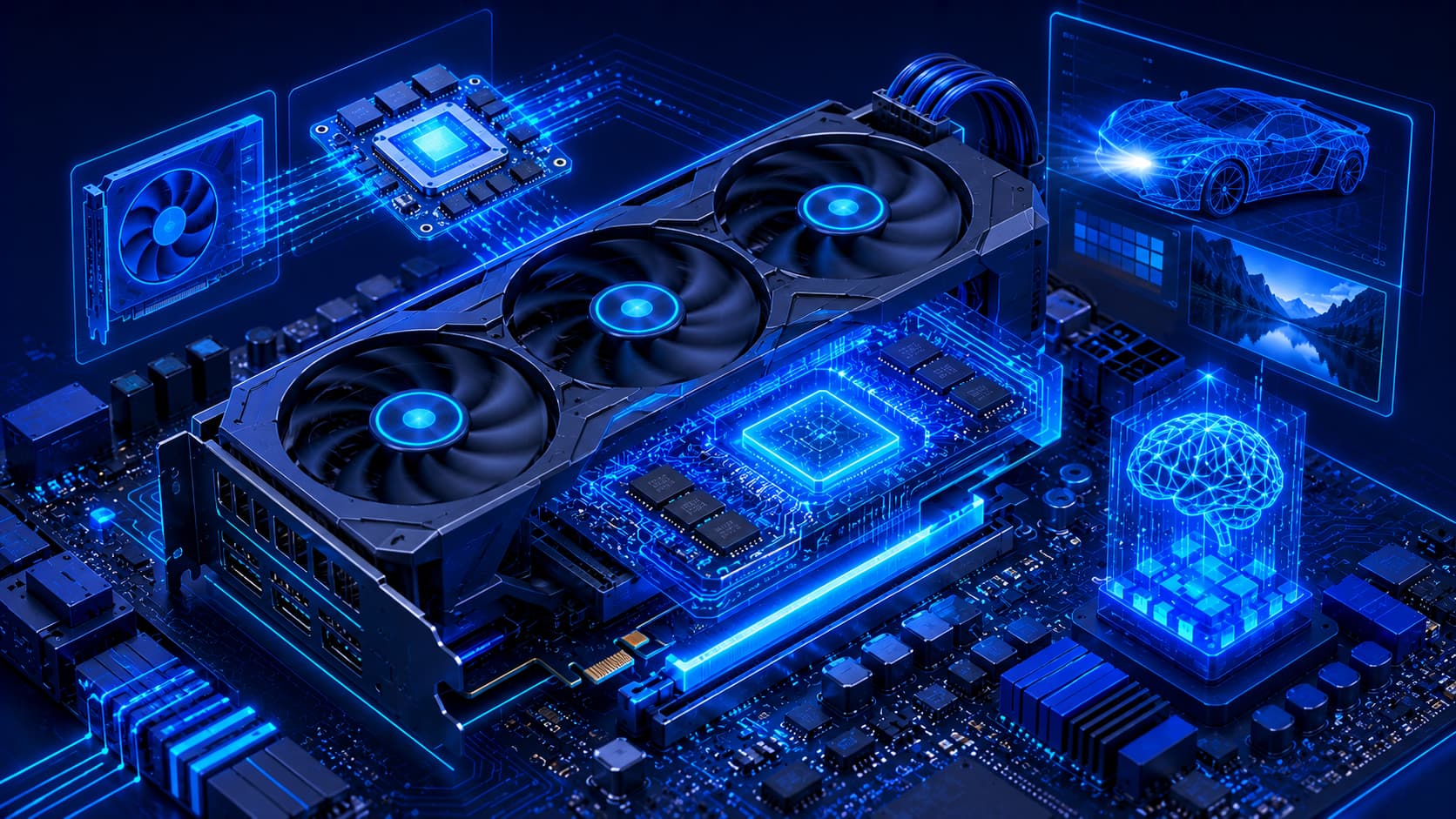
Graphics hardware serves everything from basic office work to advanced artificial intelligence workloads.
With so many choices available, it's easy to focus only on specifications or marketing claims.
However, selecting the right hardware requires a broader perspective.
The best computer isn't necessarily the one with the fastest processor or the largest amount of memory.
Instead, it's the system that best supports your everyday tasks while providing reliability, compatibility, and room for future growth.
Understanding a few key principles makes the decision much easier.
1. Define Your Primary Workload
Before comparing hardware specifications, identify how the computer will actually be used.
Ask yourself questions such as:
- Will it be used for office productivity?
- Is it primarily for web browsing and communication?
- Will it run creative software?
- Does it need to support software development?
- Will it be used for gaming?
- Is it intended for engineering, AI, or scientific computing?
Your workload should guide every hardware decision.
Buying hardware that greatly exceeds your needs may increase costs without providing meaningful benefits.
2. Think About the Entire System
A computer performs best when its hardware components work well together.
A very powerful processor paired with insufficient memory or slow storage may not deliver the expected user experience.
Likewise, a high-performance graphics processor cannot compensate for an underpowered system in every situation.
Instead of evaluating individual components in isolation, consider the computer as a complete system.
Balanced hardware often delivers better real-world performance than simply maximizing one specification.
3. Check Compatibility
Hardware components must be compatible with one another.
When purchasing or upgrading hardware, verify compatibility between:
- Processor and motherboard.
- Memory and motherboard.
- Storage interfaces.
- Expansion hardware.
- Power requirements.
- Operating system support.
Compatibility helps avoid unnecessary installation problems and ensures components function together reliably.
4. Consider Future Upgrades
Your computing needs may change over time.
Choosing hardware that allows future upgrades can extend the useful life of your computer.
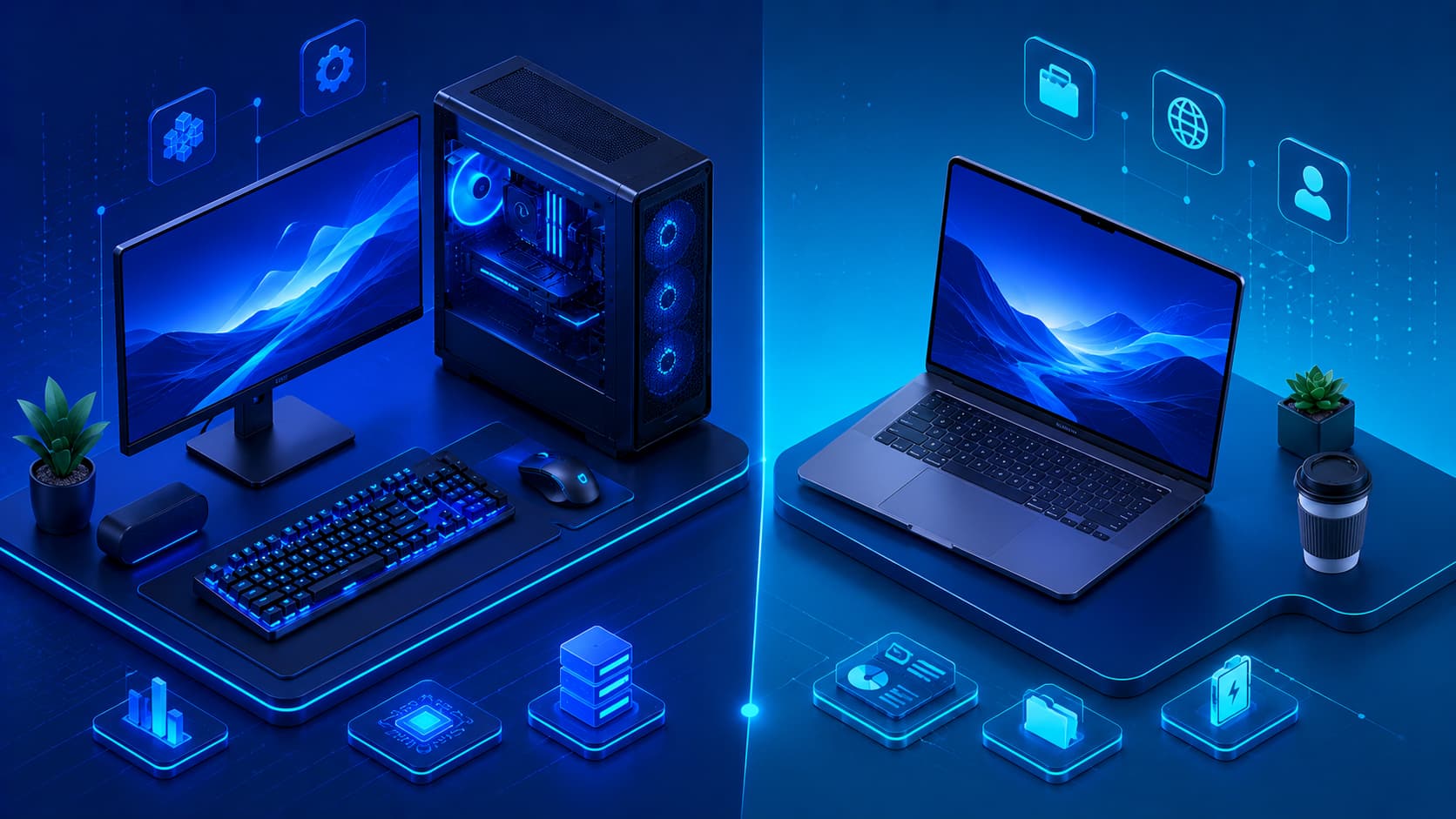
Desktop computers often provide greater upgrade flexibility than laptops, but both should be evaluated with future requirements in mind whenever possible.
Planning ahead may reduce future replacement costs.
5. Balance Performance and Budget
Higher specifications generally increase cost.
However, the most expensive hardware isn't automatically the best investment.
Instead, focus on obtaining the best balance between performance, reliability, and affordability for your intended workload.
A carefully balanced system often delivers better long-term value than purchasing premium components that remain underutilized.
6. Prioritize Reliability
Performance is important, but reliability should never be overlooked.
Hardware used every day should provide stable operation over long periods rather than simply achieving the highest benchmark scores.
When evaluating hardware, consider factors such as:
- Build quality.
- Manufacturer support.
- Firmware updates.
- Product reliability history.
- Warranty coverage.
Reliable hardware reduces unexpected downtime and contributes to a better long-term ownership experience.
7. Consider Power Efficiency
Modern hardware is becoming increasingly energy efficient.
Lower power consumption can provide several benefits, including:
- Reduced electricity usage.
- Lower operating temperatures.
- Quieter cooling systems.
- Improved battery life for laptops.
Power efficiency is especially valuable for portable devices and computers that remain powered on for extended periods.
8. Don't Ignore Storage
Many buyers focus heavily on processors while overlooking storage.
In reality, storage has a major influence on the overall user experience.
When evaluating storage, consider:
- Capacity requirements.
- Expected workload.
- Expansion possibilities.
- Long-term storage needs.
- Backup strategy.
Choosing storage that matches your workflow helps maintain responsive performance while ensuring enough space for future growth.
9. Think About Long-Term Value
Computer hardware is often used for several years.
Instead of focusing only on the purchase price, evaluate the total long-term value.
Consider questions such as:
- Will this hardware still meet my needs in several years?
- Can it be upgraded?
- Will replacement parts remain available?
- Does it support future software requirements?
Thinking beyond immediate needs often leads to better purchasing decisions.
10. Avoid Buying Hardware Based Only on Trends
Technology evolves rapidly.
New hardware is introduced regularly, often accompanied by impressive marketing.
However, newer hardware is not automatically the right choice for every user.
Instead of chasing the latest release, focus on whether the hardware genuinely improves your daily workflow.
Practical value should always take priority over specifications that may never be fully utilized.
A Simple Hardware Evaluation Checklist
Before purchasing or upgrading hardware, ask yourself:
- Does this hardware match my primary workload?
- Is it compatible with my existing system?
- Does the overall system remain balanced?
- Can it be upgraded in the future?
- Is it reliable and well supported?
- Does it fit my available budget?
- Does it provide good long-term value?
- Will it remain useful as my needs evolve?
Answering these questions helps you make informed decisions rather than relying solely on specifications or advertising.
Frequently Asked Questions
What is the most important factor when choosing computer hardware?
There is no single most important factor.
The right choice depends on your workload, compatibility requirements, budget, upgrade plans, and long-term goals.
Should I always buy the most powerful hardware?
Not necessarily.
Hardware should match your actual needs.
Buying significantly more performance than you use may increase costs without improving your everyday experience.
Why is compatibility important?
Hardware components must work together correctly.
Checking compatibility helps avoid installation issues, system instability, and unnecessary replacement costs.
Is upgrading better than buying a new computer?
It depends on the age of your current system, the available upgrade options, and your future requirements.
In many cases, selective upgrades can extend the useful life of existing hardware.
How long should computer hardware last?
With responsible use and proper maintenance, many computer systems remain reliable for several years.
Actual lifespan depends on usage, environment, maintenance, and the type of hardware.
Conclusion
Choosing the right computer hardware involves much more than comparing technical specifications.
The best decisions come from understanding your workload, evaluating compatibility, balancing performance with budget, considering future upgrades, and focusing on long-term reliability.
Whether you're purchasing your first computer, upgrading an existing system, or planning a custom build, a thoughtful evaluation process helps ensure your investment continues to meet your needs for years to come.
Technology will continue to evolve, but the principles of selecting balanced, reliable, and appropriate hardware remain timeless.
Understanding these principles allows users to make confident decisions regardless of changing trends or new product releases.