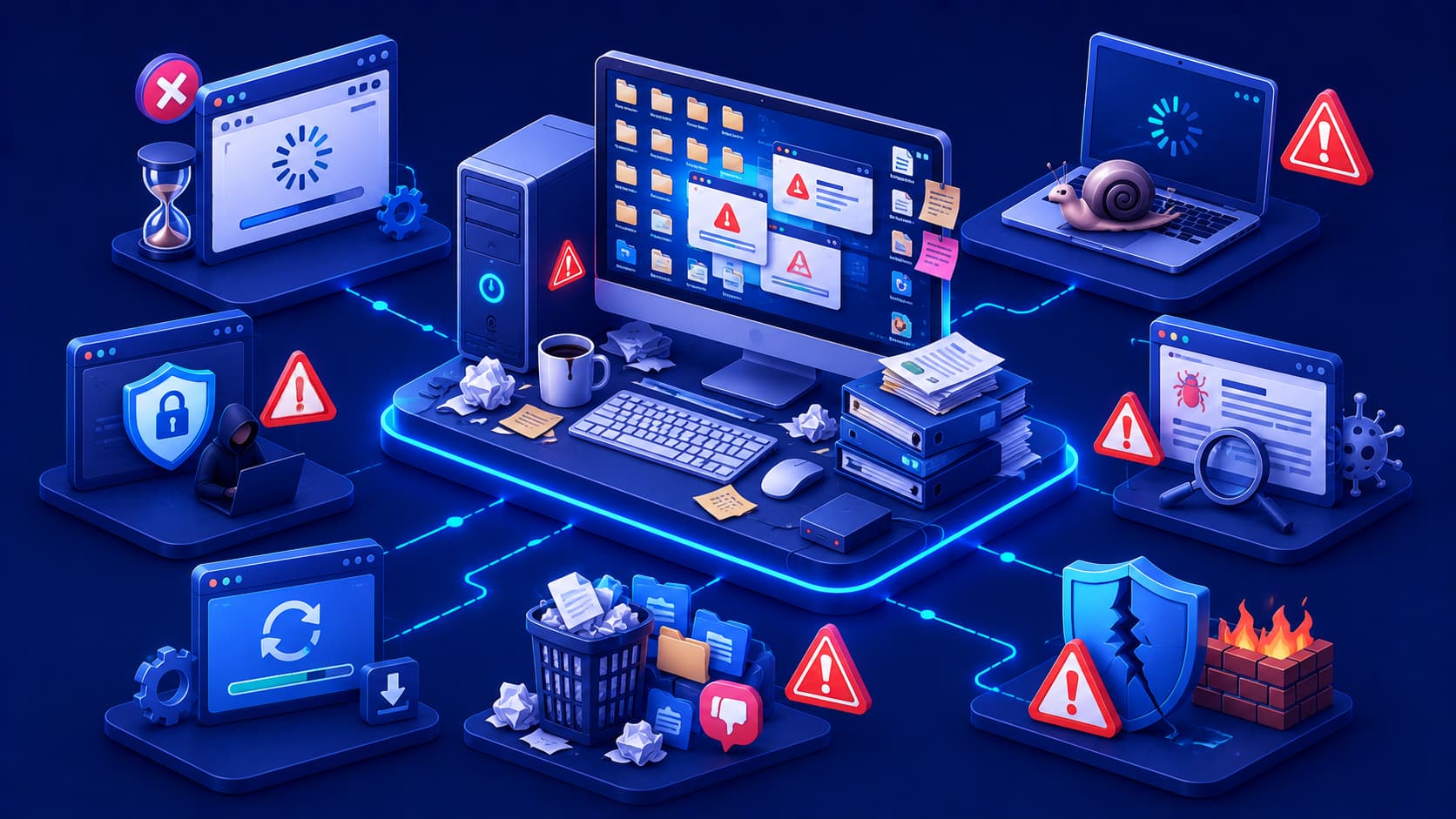

Software plays an essential role in modern life.
From personal communication and education to business operations and creative work, people rely on software every day to accomplish important tasks.
Yet using software effectively requires more than simply installing applications.
The way software is managed, updated, and maintained has a significant impact on performance, security, and long-term reliability.
Many common problems can be prevented through simple habits practiced consistently over time.
Good software habits reduce unnecessary risks, improve productivity, and help devices remain stable as technology continues to evolve.
Whether you're using a personal laptop, a smartphone, or a business workstation, following software best practices helps create a safer and more efficient digital environment.
1. Keep Software Up to Date
Regular updates are one of the simplest ways to improve both security and reliability.
Software developers frequently release updates that fix bugs, improve performance, strengthen security, and add compatibility with newer hardware or operating systems.
Installing updates promptly helps reduce the risk of known vulnerabilities while ensuring applications continue functioning as intended.
Whenever practical, enabling automatic updates for trusted software can simplify this process.
2. Download Software from Trusted Sources
The safest way to obtain software is through official developer websites, recognized application stores, or trusted software repositories.
Downloading applications from unofficial websites increases the risk of installing modified, outdated, or malicious software.
Using trusted sources also makes it more likely that you'll receive legitimate updates and accurate documentation.
3. Remove Software You No Longer Use
Unused applications occupy storage space and may continue consuming system resources through background services or automatic updates.
Periodically reviewing installed software helps keep devices organized and reduces unnecessary complexity.
Removing software you no longer need can improve performance while simplifying future maintenance.
4. Organize Your Digital Workspace
Keeping files, folders, and applications organized saves time and improves productivity.
Simple organizational habits—such as meaningful folder names, logical file structures, and regular cleanup—make it easier to find information when you need it.
An organized workspace also reduces the likelihood of accidentally deleting or misplacing important files.
5. Back Up Important Data
No software or hardware is immune to unexpected failures.
Accidental deletion, hardware problems, software bugs, or security incidents can all result in data loss.
Regular backups ensure valuable information can be recovered if something goes wrong.
Following a consistent backup routine is one of the most effective ways to protect digital data.
6. Review App Permissions Regularly
Many applications request access to features such as your camera, microphone, location, contacts, storage, or notifications.
While some permissions are necessary for an application's functionality, others may not be.
Taking a few minutes to review application permissions helps protect your privacy and ensures software only has access to the information it genuinely needs.
Revisiting these settings periodically is especially useful after major software updates.
7. Protect Your Accounts
Many software services store valuable personal or business information.
Using strong, unique passwords for each account significantly reduces the risk of unauthorized access.
Whenever available, enabling multi-factor authentication (MFA) provides an additional layer of protection by requiring a second verification step during sign-in.
Good account security is one of the simplest and most effective ways to protect your digital life.
8. Learn Basic Troubleshooting
Not every software issue requires professional technical support.
Understanding a few basic troubleshooting techniques can solve many common problems.
For example, you can:
- Restart the application.
- Check for available updates.
- Verify your internet connection.
- Read error messages carefully.
- Review official documentation.
- Restart the device if necessary.
These simple steps often resolve issues quickly while helping you better understand how software behaves.
9. Keep Learning About the Software You Use
Most applications include features that many users never discover.
Exploring documentation, tutorials, release notes, and built-in help resources can improve productivity and help you work more efficiently.
Spending a little time learning advanced features often saves far more time during everyday use.
Software becomes much more valuable when you understand its full capabilities.
10. Balance Convenience with Security
Convenience is important, but it should not come at the expense of security.
Automatically saving passwords on shared computers, disabling security features to avoid prompts, or granting unnecessary permissions may seem easier in the short term.
However, these shortcuts can create unnecessary risks.
Finding a healthy balance between usability and security helps protect both your devices and your information.
Good Software Habits Build Long-Term Reliability
Using software responsibly isn't about following complicated rules.
It's about developing consistent habits that improve your digital experience over time.
Examples include:
- Installing updates regularly.
- Downloading software from trusted sources.
- Reviewing permissions.
- Backing up important files.
- Removing unnecessary applications.
- Organizing digital files.
- Protecting user accounts.
- Continuing to learn.
Small improvements practiced consistently often have a much greater impact than occasional major changes.
Frequently Asked Questions
Why are software best practices important?
They help improve security, increase reliability, protect personal data, and ensure software continues performing efficiently over time.
How often should software be updated?
Whenever trusted updates become available.
Many updates contain important security fixes, performance improvements, and compatibility enhancements.
Is deleting unused software beneficial?
Yes.
Removing unnecessary applications frees storage space, reduces background resource usage, and simplifies device maintenance.
Why should I review application permissions?
Reviewing permissions helps protect privacy by ensuring applications only access the information and hardware they genuinely require.
Do software best practices apply to smartphones as well as computers?
Yes.
The same principles—keeping software updated, protecting accounts, backing up important data, and downloading software from trusted sources—apply across most digital devices.
Conclusion
Good software habits contribute to a safer, faster, and more reliable computing experience.
By keeping software updated, downloading applications from trusted sources, organizing your digital workspace, protecting your accounts, and maintaining regular backups, you can reduce many common problems before they occur.
Technology will continue to evolve, but the principles of responsible software use remain remarkably consistent.
Developing these habits not only improves the way software performs today but also prepares you to adapt confidently as new applications and technologies emerge.
In the next article, we'll explore how to choose the right software, examining the factors users and organizations should consider when selecting applications for personal, educational, or professional use.