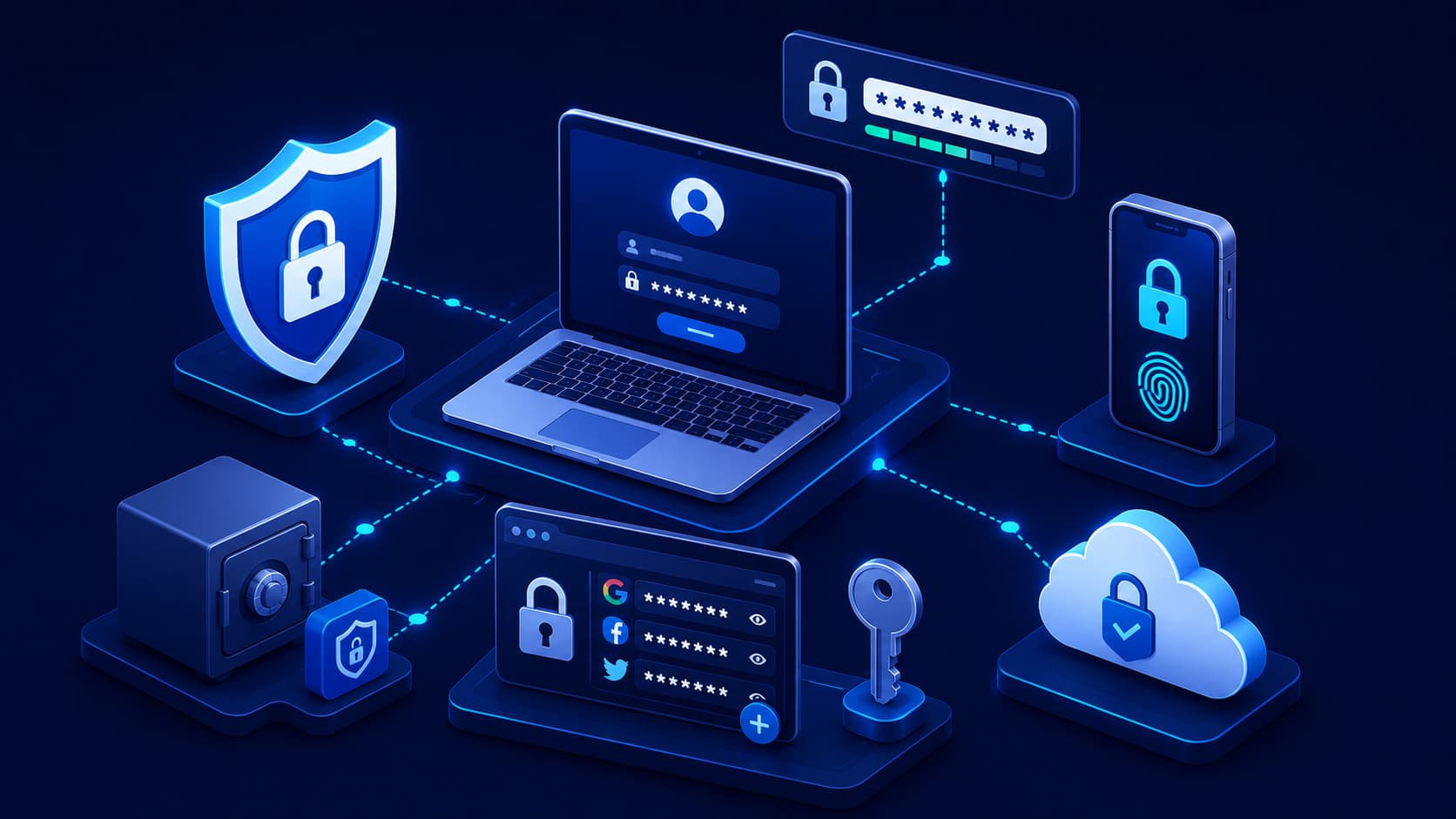
Almost every online account begins with a password.
Whether you're checking email, shopping online, accessing cloud storage, or managing your bank account, your password is often the first barrier protecting your personal information.
Despite its importance, password security is still widely misunderstood.
Many people choose passwords that are easy to remember but also easy to guess.
Others reuse the same password across dozens of websites, believing it's more convenient than creating unique credentials for every account.
Unfortunately, these habits can have serious consequences.
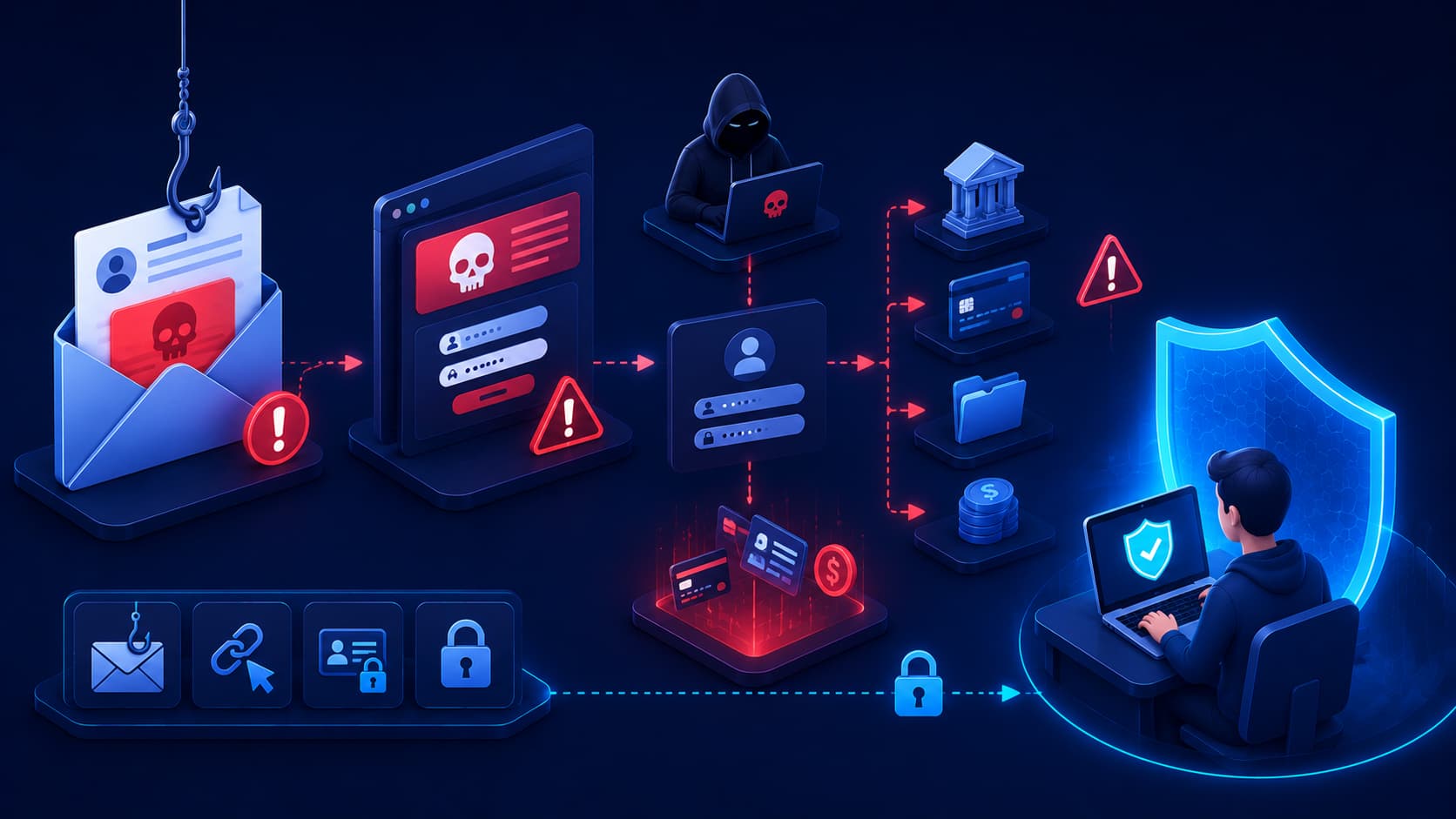
If a password is exposed in a data breach or stolen through a phishing attack, attackers may immediately try the same password on other popular services.
This technique, known as credential stuffing, has become one of the most common ways cybercriminals gain unauthorized access to online accounts.
The good news is that creating strong passwords isn't as difficult as many people think.
By following a few practical guidelines, you can significantly improve the security of your digital life.
Why Strong Passwords Still Matter
Some people believe passwords are becoming obsolete because of technologies such as biometrics and multi-factor authentication.
While these technologies provide additional protection, passwords continue to play an essential role in most authentication systems.
In many cases, your password is still the first piece of information required before any additional verification takes place.
A weak password creates an unnecessary opportunity for attackers.
A strong password, combined with multi-factor authentication, provides a much stronger defense against unauthorized access.
Rather than replacing passwords, modern security practices build additional layers on top of them.
What Makes a Password Strong?
A strong password is difficult for both people and automated software to guess.
It should be long, unique, and unpredictable.
Instead of relying on a single word or simple pattern, a strong password combines different types of characters in a way that isn't easily associated with personal information.
Longer passwords generally provide much stronger protection than shorter ones.
Many cybersecurity experts recommend using passwords that are at least 12 to 16 characters long.
Equally important is uniqueness.
Every important account should have its own password.
That way, if one account is compromised, attackers cannot automatically access your other accounts using the same credentials.
Common Password Mistakes
Many password-related security incidents occur because of habits that seem harmless.
One of the most common mistakes is using personal information such as birthdays, names, phone numbers, or favorite sports teams.
This information is often easy to discover through social media or public records.
Another common mistake is creating predictable passwords such as:
- Password123
- Qwerty123
- Welcome1
- Admin123
Although these passwords satisfy some minimum complexity requirements, they remain among the first combinations attackers attempt.
Reusing passwords across multiple websites is another serious risk.
If one service experiences a data breach, attackers frequently test the same username and password on email accounts, banking platforms, cloud services, and social media.
How to Create Strong Passwords
Many people assume a strong password has to be complicated and impossible to remember.
In reality, the best passwords are often long rather than complex.
One popular approach is to use a passphrase—a sequence of unrelated words combined into a memorable phrase.
For example, instead of relying on a short password with predictable substitutions, a longer passphrase can provide stronger security while remaining easier to remember.
Avoid using famous quotes, song lyrics, or common expressions.
The goal is to create something unique that isn't associated with publicly available information.
If a website allows special characters and numbers, adding them thoughtfully can further improve security, but uniqueness and length are generally more important than complexity alone.
Why You Should Use a Password Manager
As the number of online accounts grows, remembering a unique password for each one becomes nearly impossible.
This is where a password manager becomes extremely useful.
A password manager securely stores your login credentials in an encrypted vault.
Instead of remembering dozens of different passwords, you only need to remember one strong master password.
Many password managers can also generate long, random passwords automatically and fill them into websites when you sign in.
This makes it much easier to avoid password reuse without sacrificing convenience.
For most people, using a reputable password manager is one of the biggest improvements they can make to their online security.
Should You Change Your Password Regularly?
In the past, people were often advised to change their passwords every few months.
Today, cybersecurity guidance has evolved.
If your password is strong, unique, and hasn't been exposed in a data breach, changing it frequently isn't usually necessary.
However, you should change your password immediately if:
- You receive a notification about a data breach.
- You suspect someone has accessed your account.
- You accidentally shared your password.
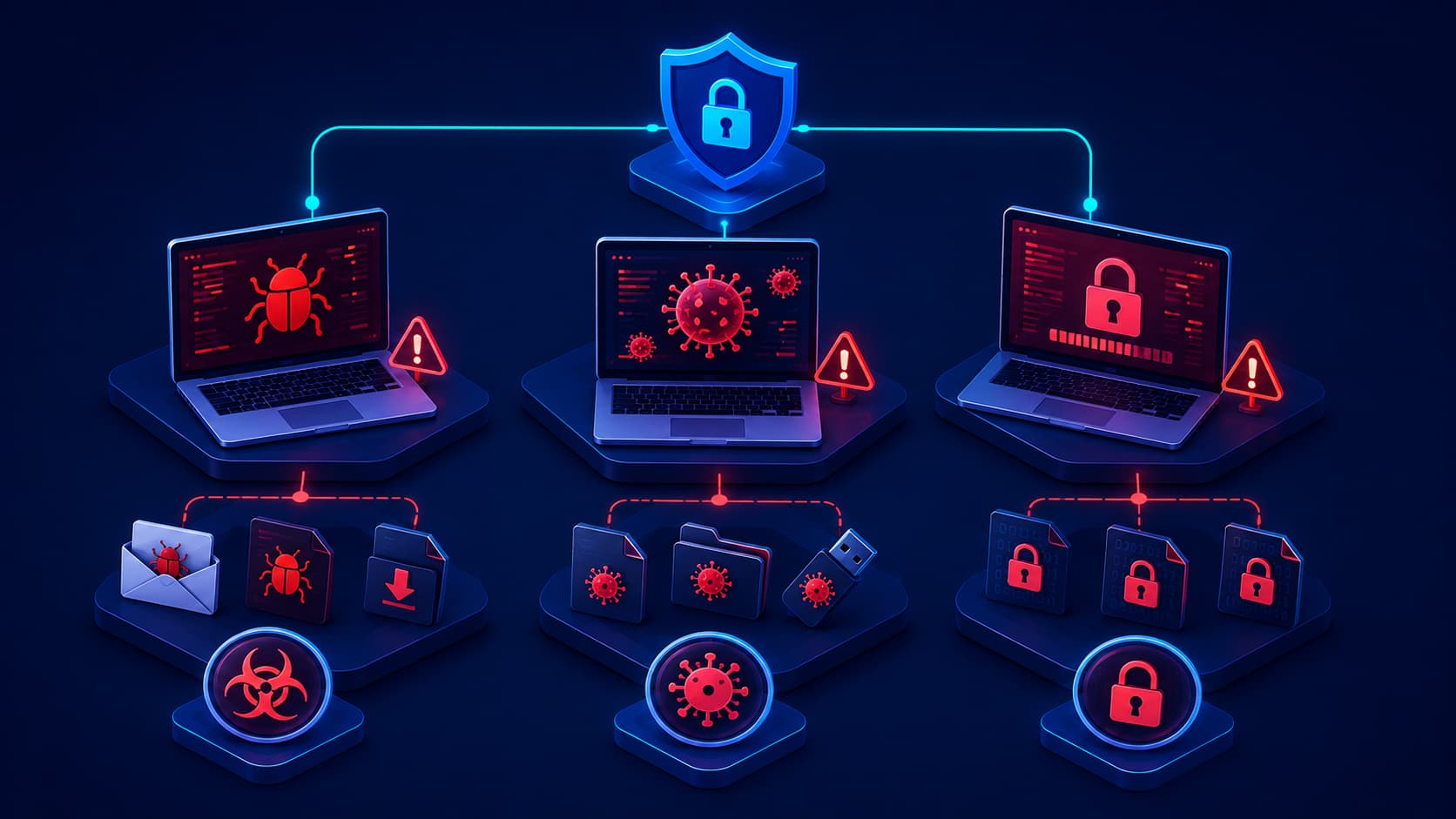
- Your device was infected with malware.
- Your account shows suspicious login activity.
Rather than changing passwords on a fixed schedule, it's more important to respond quickly when there are signs of compromise.
Passwords and Multi-Factor Authentication
A strong password is an excellent first line of defense, but it shouldn't be your only one.
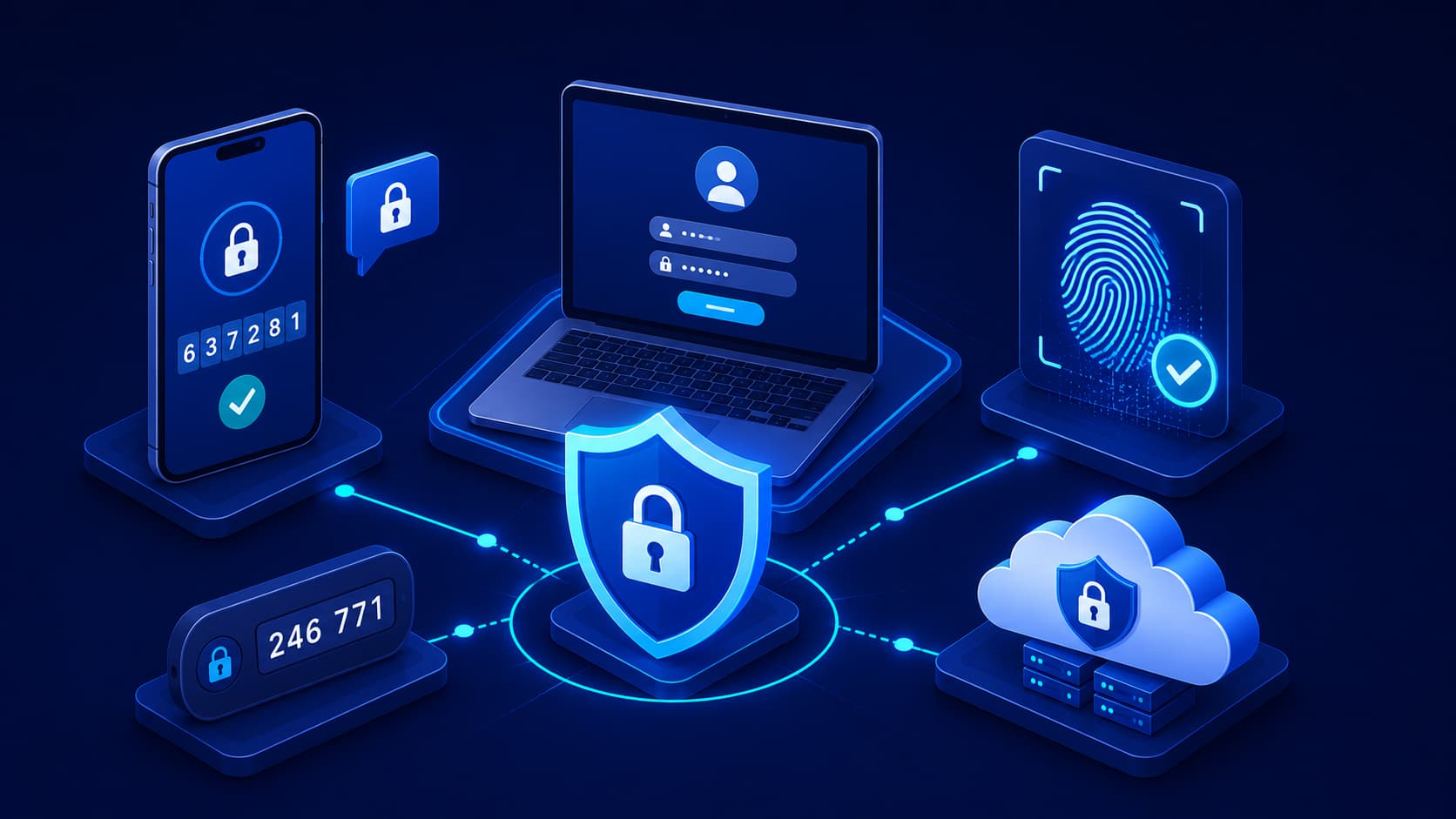
Multi-Factor Authentication (MFA) adds another layer of protection by requiring additional verification before someone can access your account.
Think of your password as the front door to your home.
MFA is like adding a second lock that requires a separate key.
Even if someone discovers your password, they still need access to the second authentication factor.
Using both together provides significantly stronger protection than relying on either one alone.
Best Practices for Password Security
Good password security isn't about following a single rule.
It's about building consistent habits.
Some of the most effective practices include:
- Use a unique password for every important account.
- Choose passwords that are at least 12 to 16 characters long.
- Avoid personal information such as birthdays or names.
- Enable multi-factor authentication whenever possible.
- Store passwords in a trusted password manager instead of writing them down in unsecured locations.
- Never share your passwords with anyone.
- Monitor your accounts for unusual login activity.
- Update passwords immediately if you believe they have been compromised.
Following these habits consistently provides much stronger protection than relying on password complexity alone.
Frequently Asked Questions
How long should a strong password be?
Most security experts recommend using passwords that are at least 12 to 16 characters long.
Longer passwords are generally much harder for attackers to crack.
Is it safe to save passwords in a password manager?
Yes.
Reputable password managers encrypt stored credentials and are widely recommended by cybersecurity professionals as a safer alternative to reusing passwords or storing them in unsecured documents.
Should every account have a different password?
Absolutely.
Using a unique password for each account prevents a breach on one website from exposing your other accounts.
Are password managers better than memorizing passwords?
For most people, yes.
Password managers make it practical to use long, unique passwords for every account without needing to remember each one individually.
If I use MFA, do I still need a strong password?
Yes.
MFA adds another layer of protection, but your password remains an essential part of the authentication process.
Using both together provides the highest level of security.
Conclusion
Strong passwords remain one of the foundations of good cybersecurity.
While technologies like biometrics and multi-factor authentication have made online accounts more secure, passwords continue to play a critical role in protecting digital identities.
The most effective password strategy is also one of the simplest: create long, unique passwords for every account, store them securely using a password manager, and enable multi-factor authentication whenever possible.
These habits require only a small amount of effort but can significantly reduce the risk of unauthorized access.
In today's connected world, improving password security is one of the easiest and most valuable steps anyone can take to protect their personal and professional information.