
Writing code that works is an important achievement.
Writing code that other people can understand, maintain, and improve is an even greater one.
As software projects grow, they often involve multiple developers working together over months or even years.
In that environment, programming becomes much more than solving technical problems.
It becomes a form of communication.
Every variable name, function, and file structure tells part of the story about how the software works.
Clear code helps future developers understand that story.
Poorly organized code creates confusion, increases maintenance costs, and makes bugs more difficult to identify.
This is why experienced developers pay close attention to programming best practices.
These habits don't exist to make programming more complicated.
They exist to make software easier to understand, modify, and maintain throughout its lifecycle.
1. Write Code for Humans First
Computers execute instructions exactly as they're written.
Humans, however, need to read, understand, and improve those instructions over time.
Good code should therefore prioritize readability.
Choose meaningful names for variables, functions, and classes.
Organize related logic together.
Avoid unnecessary complexity.
If someone unfamiliar with the project can understand your code without extensive explanation, you're moving in the right direction.
2. Keep Functions Small and Focused
Functions work best when they have a single, well-defined responsibility.
Large functions that perform many unrelated tasks become difficult to understand, debug, and test.
Smaller functions encourage code reuse and make software easier to maintain.
When reviewing your code, ask yourself whether each function has one clear purpose.
If it performs several unrelated jobs, it may be time to divide it into smaller pieces.
3. Avoid Repeating Yourself
Repeated code often leads to repeated problems.
If the same logic appears in multiple places, updating one copy while forgetting another can introduce bugs.
Whenever practical, place shared logic in a reusable function, class, or module.
This idea is commonly summarized by the phrase Don't Repeat Yourself (DRY).
Reducing duplication improves consistency and simplifies future maintenance.
4. Use Consistent Formatting
Consistent formatting makes software easier to read.
Although formatting doesn't change how a program behaves, it significantly affects how quickly developers can understand the code.
Following a consistent indentation style, naming convention, and project structure helps teams collaborate more effectively.
Many development tools can automatically format code, allowing developers to focus on solving problems instead of debating spacing and indentation.
5. Test Your Code Regularly
Waiting until a project is finished before testing often makes bugs much harder to identify.
Instead, test small pieces of functionality as you build them.
Frequent testing helps catch problems early, when they're usually easier and less expensive to fix.
Even simple manual testing during development can greatly improve software quality.
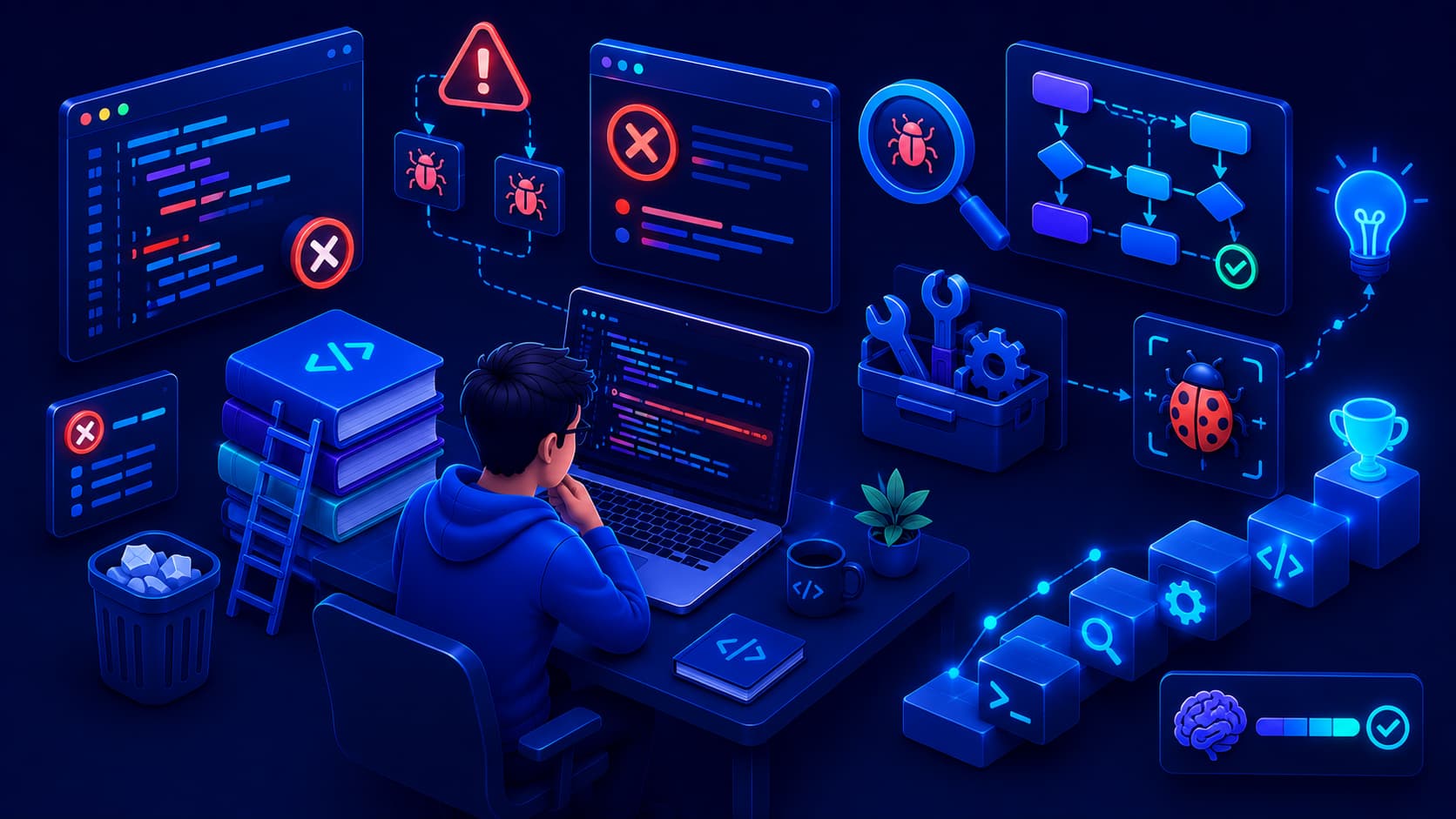
6. Learn to Debug Systematically
Every programmer encounters bugs.
The difference between beginners and experienced developers is often how they approach solving them.
Instead of changing random parts of the code and hoping the problem disappears, investigate the issue step by step.
Start by reproducing the problem consistently.
Then isolate the part of the code that's causing it.
Use debugging tools, log messages, or break the problem into smaller pieces until the root cause becomes clear.
A systematic approach usually leads to faster and more reliable solutions.
7. Write Helpful Comments—Not Too Many
Comments can improve understanding, but they shouldn't explain obvious code.
For example, a comment like:
Increment the counter by one.
...adds little value if the code already makes that clear.
Instead, comments should explain why something is done when the reason isn't immediately obvious.
Well-written code explains what it does.
Good comments explain why it does it.
Keeping comments accurate is just as important as writing them.
Outdated comments can become more confusing than having no comments at all.
8. Keep Learning Continuously
Technology changes quickly.
New programming languages, frameworks, libraries, and development tools appear every year.
Trying to learn everything is impossible.
Instead, focus on building strong fundamentals while remaining curious about new ideas.
Read technical articles.
Build personal projects.
Explore official documentation.
Learn from experienced developers.
Programming is a career built on continuous learning, and that's one of the reasons many developers enjoy it.
9. Use Version Control
As projects become more complex, keeping track of changes becomes increasingly important.
Version control systems allow developers to record changes, review previous versions, and collaborate safely with others.
Instead of worrying about breaking an application, developers can experiment with confidence, knowing they can return to an earlier version if necessary.
Even for personal projects, learning version control early helps establish professional development habits.
10. Build Real Projects
Reading tutorials teaches concepts.
Building projects teaches experience.
Real projects force you to combine multiple skills, solve unexpected problems, and make practical decisions that tutorials often don't cover.
Your first projects don't need to be large.
A simple calculator, personal website, task manager, or weather application can teach valuable lessons about planning, debugging, testing, and improving software.
Every completed project strengthens both your technical skills and your confidence.
Great Code Evolves Over Time
One misconception among beginners is that experienced developers write perfect code on the first attempt.
In reality, software evolves through continuous improvement.
Developers regularly refactor code, simplify solutions, improve performance, and remove unnecessary complexity.
Writing clean software isn't about perfection.
It's about making small improvements whenever opportunities arise.
Over time, those improvements lead to software that's easier to maintain and more enjoyable to work with.
Frequently Asked Questions
What is the most important programming best practice?
There isn't a single rule that matters more than all others.
Writing readable code, testing regularly, avoiding unnecessary duplication, and continuously improving your skills all contribute to better software development.
Should beginners worry about writing perfect code?
No.
Focus on writing code that works and is easy to understand.
As your experience grows, you'll naturally improve its structure and quality.
Why is readable code important?
Software is often maintained for years by multiple developers.
Readable code makes collaboration easier and reduces the time needed to fix bugs or add new features.
Do professional developers still make mistakes?
Absolutely.
Experienced developers still introduce bugs.
The difference is that they use testing, debugging, code reviews, and good development practices to identify and resolve problems efficiently.
Are programming best practices the same for every language?
The details may vary, but the underlying principles—clarity, simplicity, maintainability, and continuous improvement—apply across nearly every programming language.
Conclusion
Programming best practices aren't rigid rules designed to limit creativity.
They're practical habits developed through years of software engineering experience.
Writing readable code, keeping functions focused, avoiding duplication, testing frequently, debugging systematically, and building real projects all contribute to creating software that's easier to understand and maintain.
As your programming journey continues, you'll discover that becoming a better developer isn't only about learning new technologies.
It's also about improving the way you think, organize your work, and collaborate with others.
Strong programming habits will continue to benefit you regardless of which programming language or technology you choose in the future.